
Fixing Flatpak Obsidian CLI
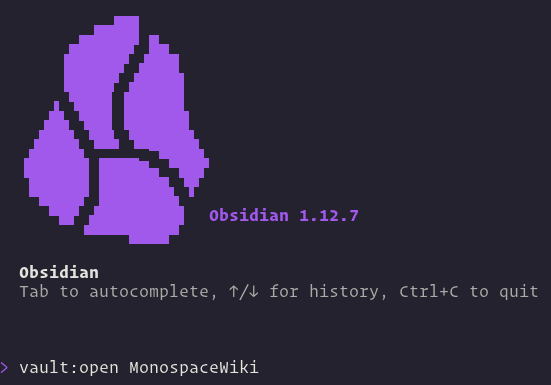
I just tried to use the new CLI tool for Obsidian for the first time. To set it up, enabling a toggle switch in the “General” section of the settings should suffice. But if Obsidian is installed on Linux as a FlatPak, all you get when you execute the command is:
$ obsidian
The CLI is unable to find Obsidian. Please make sure Obsidian is running and try again.
The problem is that FlatPak isolates each application for safety reasons. In consequence, the Obsidian socket gets set up, but not at the location where the CLI expects it. This socket is a special file through which the CLI tool and the Obsidian application communicate. That’s why the CLI suspects that Obsidian might not even be running, even if it is.
The fix is simple: We put a symbolic link where the CLI expects the socket, and let the link point to where the socket actually is:
ln -sf /run/user/$(id -u)/.flatpak/md.obsidian.Obsidian/xdg-run/.obsidian-cli.sock /run/user/$(id -u)/.obsidian-cli.sockWith this fix, the CLI is happy:
$ obsidian version
1.12.7 (installer 1.12.7)
Now I can explore my Obsidian vaults from the shell!
By the way, you can read my DevOps notes that I manage in Obsidian right here on my website!
And if you’d like to learn more about symbolic links and the Linux filesystem in general, check out my course “Basic Linux System Administration“.
Mentions
Reposts